A few years ago, picking a POS felt simpler because the category was smaller and the feature sets were more similar. In 2026, that is no longer true, and choosing the wrong system can hurt you in two ways. You can either lose functionality you actually need, or you can overpay for a platform you will never fully use. Reporting depth, payout timing, online ordering requirements, mobility needs, and even the way your staff moves through service all change what “best” really means.
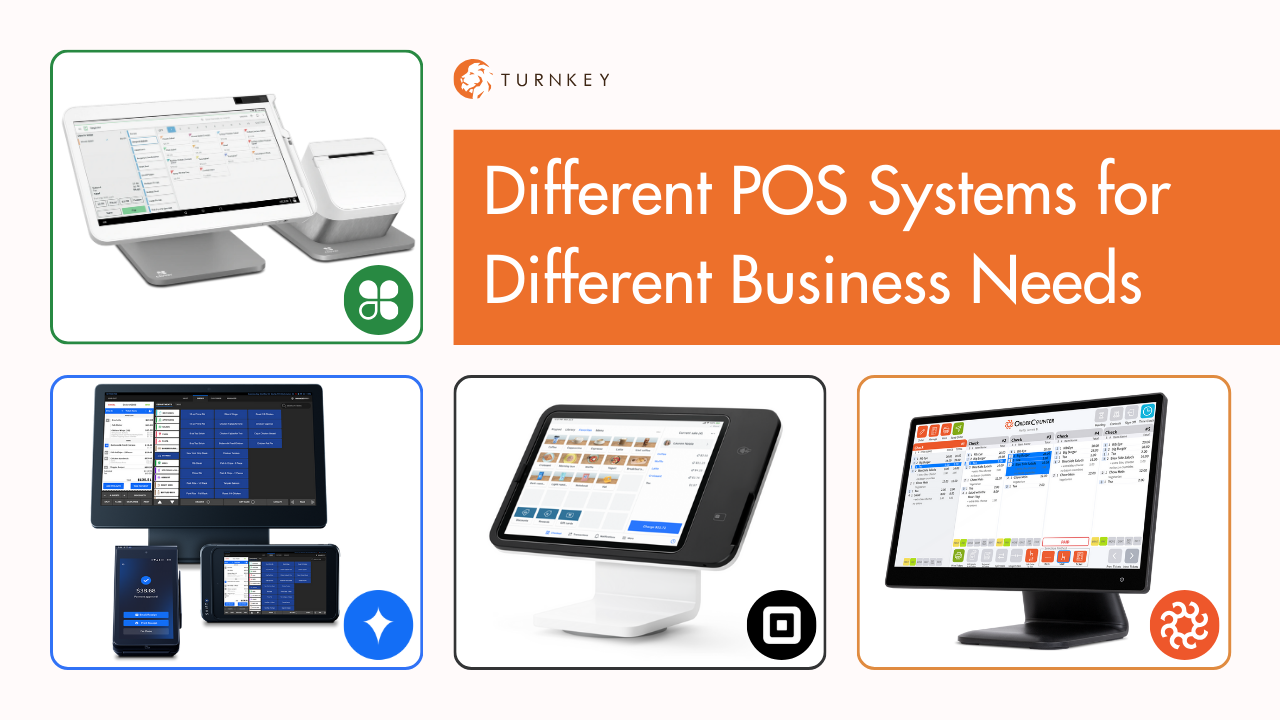
That is why the right question is not “What is the best POS?” The right question is “What is the best POS for the way my restaurant makes money?” A food truck, a counter-service shop, and a full-service dining room do not need the same tools, and forcing them into the same box usually creates unnecessary costs and daily operational headaches. Below is a practical compare and contrast of Remote Terminals, Clover, SkyTab, OrderCounter, Toast, and Square, with an honest look at who each system fits best and where each one tends to fall short.
Remote Terminals (Handheld Payment Terminals)
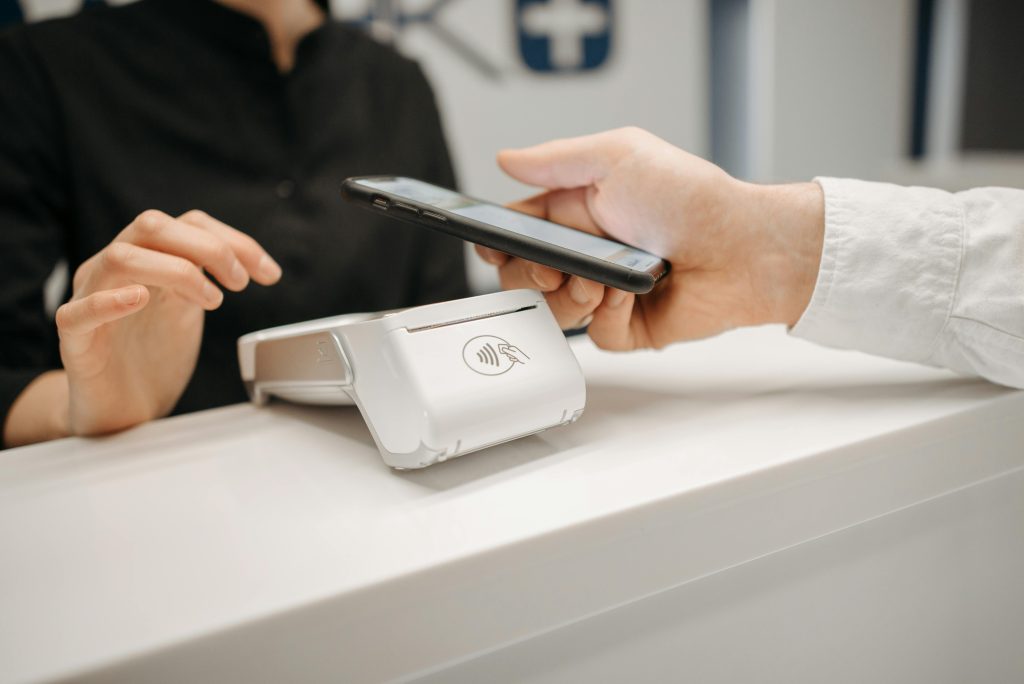
Remote terminals are the simplest option on this list because they are not trying to be a full restaurant operating system. They are best when you need mobility and fast payments, but you do not need complex inventory, coursing, deep reporting, or advanced online ordering workflows. They work especially well for food trucks, small pop-ups, bars with minimal menus, and catering teams that need to take payments on-site without dragging a full POS station around.
The biggest advantage is cost and simplicity, because you are paying for the ability to take payments anywhere rather than paying for an ecosystem of add-ons. The biggest disadvantage is that you are not getting the full operational toolkit most growing restaurants eventually want, and the moment you need tighter menu controls, more advanced reporting, or integrated online ordering, you will feel the ceiling quickly. Also, like any mobile setup, performance depends heavily on stable connectivity and the limitations of portable hardware.
Best fit: Mobile food trucks, simple counter service, bars with limited menu complexity, lean catering teams.
Biggest advantage: Lowest complexity and strong mobility.
Biggest disadvantage: Limited depth for inventory, reporting, and integrated ordering workflows.
Square POS
Square is often the great first POS because it is easy to start, easy to understand, and easy to deploy quickly. For small operators, pop-ups, and some small food trucks, that speed matters, and Square has restaurant-specific plans and hardware designed for mobile service. It is a practical on-ramp when you need to start selling without heavy implementation.
Where Square tends to frustrate growing restaurants is that what works beautifully at the beginning can start feeling limiting when you need deeper customization, more complex workflows, or a very specific stack of third-party tools. Square does have an app marketplace and supports third-party integrations, but many integrations are paid, and advanced or bespoke needs can push you toward higher tiers or workarounds. On the pricing side, Square’s rates are published, but they have changed over time, which is one reason some operators feel like costs are less predictable than they would like as volume grows.
Best fit: Food trucks and mobile sellers, small quick-service concepts, new operators who need speed and simplicity right now instead of in two to three weeks.
Biggest advantage: Fast setup, simple start, strong entry-level usability.
Biggest disadvantage: Can feel limiting and less cost-stable as needs grow, with integrations and support expectations requiring a reality check early. Very quickly you will find that Square does not support what you need or want to do as a business.
Clover POS
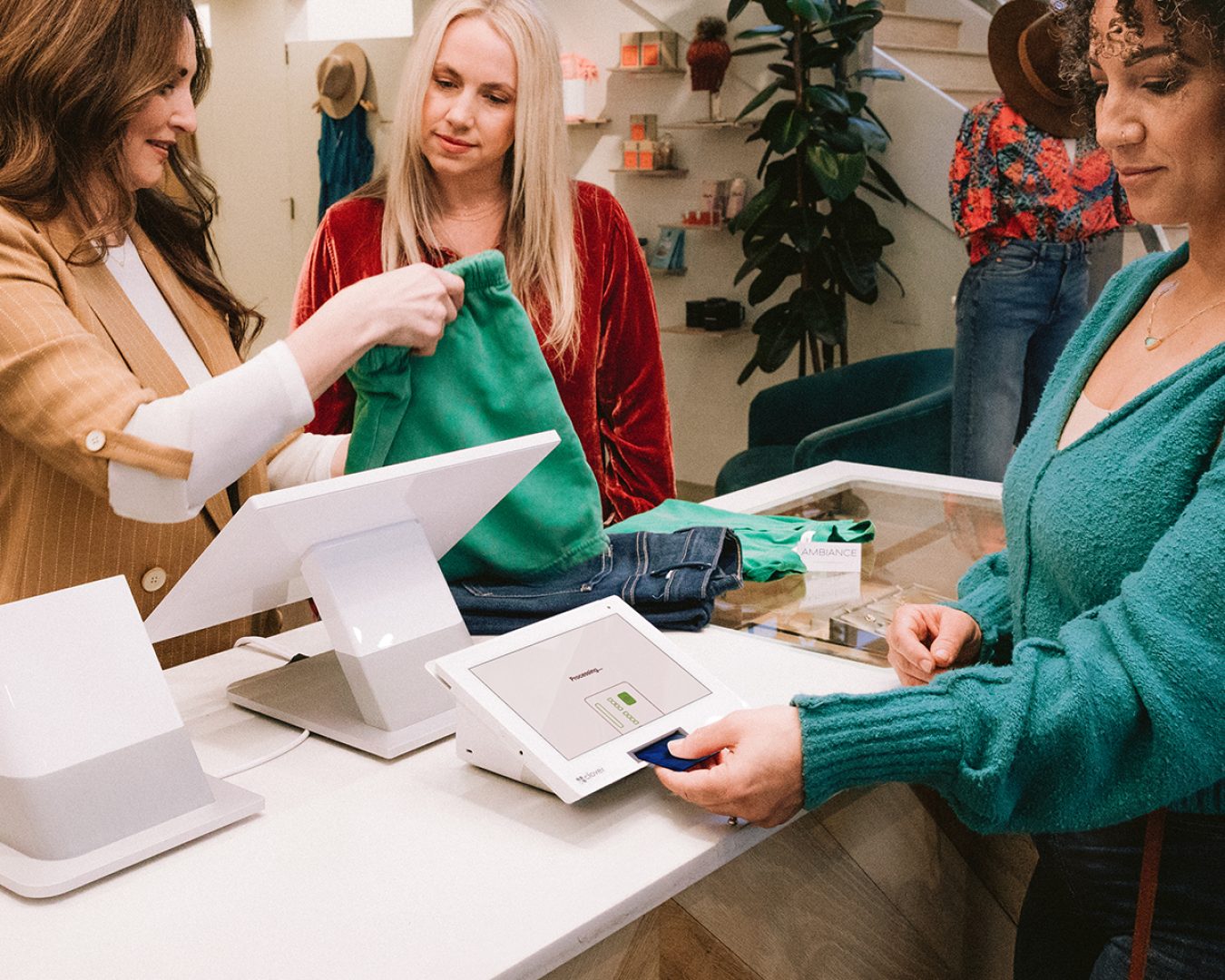
Clover is a strong starting point for restaurants that want a real POS foundation without committing to a high-cost enterprise platform on day one. It is flexible in hardware options and is especially practical when you want a counter station plus handhelds for line-busting, tableside payments, or curbside pickup. Clover positions its restaurant solution around both quick-service and full-service needs, and the hardware lineup like the Clover Flex is built specifically for portable ordering and payment.
The biggest advantage is that Clover can scale with you without forcing you into the most expensive tier immediately, and the device ecosystem is easy for smaller teams to learn quickly. The biggest disadvantage is that what Clover becomes depends heavily on your configuration and add-ons, which means a restaurant that needs complex inventory, advanced multi-channel ordering, or highly customized reporting may need careful planning to avoid app stacking and rising costs. In plain terms, Clover is great when you want affordability and flexibility, but you still need a smart setup to keep it clean as you grow.
Best fit: New and growing restaurants, counter service, small full service, coffee shops, bars, simple catering operations.
Biggest advantage: Affordable entry with flexible hardware with multiple options. Full terminal and kiosk all the way through handheld strength.
Biggest disadvantage: Complex needs can require add-ons and tighter planning to avoid “app sprawl.” Its listed as a “do it yourself” but its much better managed by a deployment partner (like Turnkey)
OrderCounter POS
OrderCounter is the upstart worth paying attention to because it is positioning itself as a hybrid model. That means it aims to give you cloud benefits while still leaning on the reliability of an in-house server approach, which matters to operators who hate the idea of being dead in the water when internet or cloud services wobble. It also emphasizes tools that restaurants actually use day to day like mobile ordering, gift cards, labor tools, and a remote back office.
The biggest advantage is that it is built around practical restaurant operations while still evolving, and that “constant improvement” story is backed by the breadth of features they are actively promoting across service, reporting, and multi-unit management. The biggest disadvantage is that as a newer player, you need to validate local support quality, integration depth, and long-term roadmap fit for your exact business category. If you are a catering-heavy operation or a restaurant that lives and dies by third-party delivery and niche integrations, you should confirm which integrations are native, which are partner-driven, and what costs are attached.

Best fit: Restaurants that want a modern system with a reliability angle, growing operators who want innovation, multi-unit groups building standardization.
Biggest advantage: Hybrid approach and an actively expanding feature set including remote back office and mobile workflows.
Biggest disadvantage: Needs stronger proof in the field market by market, especially for highly specialized integration needs. It works great, but there isn’t enough adaption (yet) for us to know exactly where it falls short.
SkyTab POS (Shift4)
SkyTab is built as a restaurant-first platform and aims at the operator who wants a more complete system for full-service workflows. It leans into tableside service with tools like SkyTab Glass, and it positions itself as an all-in-one platform with a clear focus on the front of house and back of house working together. SkyTab also promotes 24/7 support and publishes entry pricing messaging that is designed to appeal to restaurants that want enterprise-style capability without enterprise sticker shock.
The biggest advantage is that SkyTab tends to fit full-service restaurants, higher-volume operations, and multi-location groups that want an integrated setup with strong service flow. The biggest disadvantage is that “all-in-one” platforms can become opinionated, which means you need to confirm that its reporting, integrations, and online ordering approach match your exact operational preferences before committing. SkyTab does offer an integrated online ordering product, but like any system, the details of configuration and compatibility matter if delivery apps and third-party tools are central to your business.
Best improvement that Shift4 has made over the past year is that now companies like Turnkey can function as your local business partner, making it so that you no longer need to just rely on remote support.
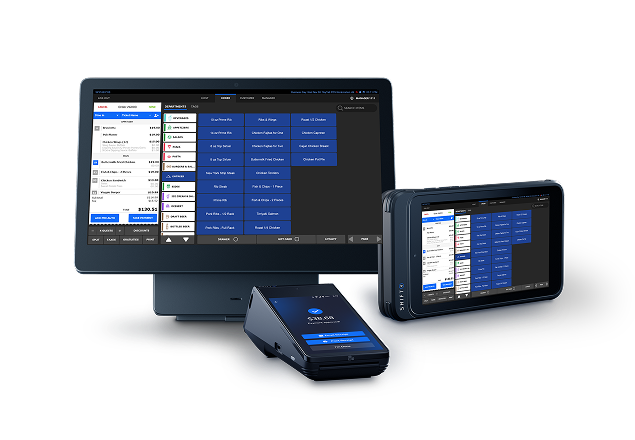
Best fit: Full service restaurants, busy bars and grills, multi-location groups, operations that benefit from tableside workflows.
Biggest advantage: Modern full-service capability with integrated ecosystem and tableside focus.
Biggest disadvantage: Less flexible if you want highly customized workflows or a very specific third-party stack
Toast POS
Toast was the gold standard when it had far less serious competition in the restaurant-first POS space. Those days are long past.
Toast still brings real strength in restaurant operations, and it does support integrations and even publishes an integrations marketplace plus developer documentation for APIs. That said, Toast is widely described as a higher-cost platform, and pricing can become complicated once you add the modules that many restaurants consider “non-optional” like digital ordering, loyalty, kiosks, or catering tools. Toast also requires using Toast for payment processing, which can be a deal-breaker if you want more flexibility in how you negotiate rates. If you want Toast products you have to buy Toast hardware from Toast and use Toast processing. No options, no variables.
The biggest advantage is that Toast can be a strong operational backbone for quick-service and full-service when you buy into its ecosystem. The biggest disadvantages are cost creep, ecosystem lock-in, and the fact that support experiences vary enough that you should do real due diligence before signing long-term agreements. If you are shopping Toast, you want to scrutinize the quote, identify every add-on you will actually need, and get clarity on contract and support expectations in writing.
Best fit: Established quick-service and full-service restaurants that want a comprehensive platform and are comfortable committing to a single ecosystem.
Biggest advantage: Robust restaurant operations foundation with broad integration options.
Biggest disadvantage: High total cost potential and processing lock-in, with support quality requiring diligence. Toast once was the champ, but now it feels like it is sliding towards retirement.
The Real Takeaway
There is no universal best POS anymore because restaurants do not all make money the same way. A mobile operator needs speed and portability, a full-service dining room needs coursing and tableside flow, and a catering-first business needs remote payments, invoicing, and clean operational reporting. If you choose the wrong platform, you either pay too much for what you will never use, or you save money now and spend it later in workarounds and lost efficiency.
Turnkey Processing is not a single POS provider, and that is the point. We have become experts and resellers across multiple systems so we can match the right software to the right business flow instead of forcing your restaurant into one product’s limitations. We also focus on aggressive pricing, often with free hardware options depending on the deal structure, and support that you will not get through a bank or a reseller that does not have real in-house technical and customer support.